What KYB Search is
KYB Search is where you run a Know Your Business check on a company. Each request gathers the register record, documents, ownership, screening and research in one place, then produces a report that states where every value came from.
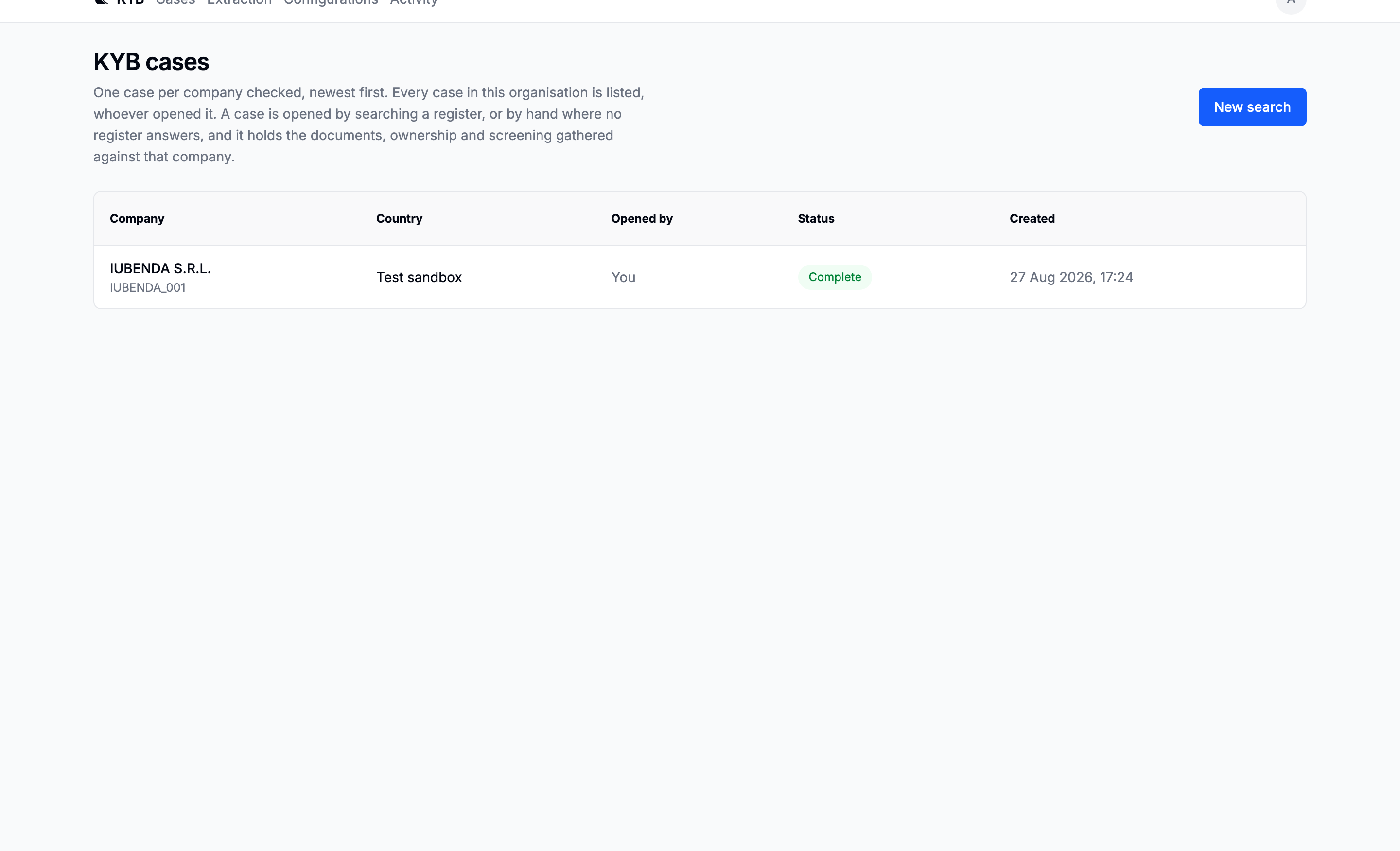
Start with the checks you need
Search for a company, then choose which checks should start with the request. Company details and legal representatives are always included. AI prescreening, the ownership graph and adverse media are enabled by default and can be switched off before you continue. Company AML screening starts after registry data arrives.
The confirmation shows the selected company, configuration and checks before anything starts. The floating Checks panel then shows every job on the request, including work in progress, failures and items that need review.
The five request tabs
| Tab | What it answers |
|---|---|
| Company details | The organisation, its representatives, verification state, research and sources |
| Ownership | Who owns the company and which people meet the beneficial-owner threshold |
| Documents | Documents, automatic classification, extraction and links to review the evidence |
| Screening | Watchlist and adverse-media results for the company and people behind it |
| Activity | What changed, when it changed and who made the change |
One idea to internalise first
A field is a question, not a place to look.
The same question, such as the registered address or annual revenue, can be answered by the registry, a document, AI research or a reviewer. Company details keeps those answers together and labels the source beside the value. Open the source control when you need the evidence; the main view stays compact.
If sources disagree, the value is marked for review. A reviewer can accept one source or record a correction. Every decision remains attributable in the activity trail and the report.
Automatic work and paid work
Searching is free. Creating the request starts the registry lookup and every enabled check shown in the confirmation. Ownership is bounded by the budget and threshold shown on New Company Search. Uploaded documents are classified and extracted automatically by default; ordering a registry document still shows its price before purchase.
Read the confirmation whenever a paid capability is selected. After creation, the Checks panel is the single place to monitor the work, even when you move to another tab or close the browser.
Where to go next
- New here? Your first case follows one request from search to report.
- Mid-request with a question? The Platform section explains each part.
- Need a short answer? See Statuses, Glossary or FAQ.