7. Get and upload documents
The Documents tab now holds the full document workflow: registry catalogue, uploads, classification, extraction status and links to review extracted information.
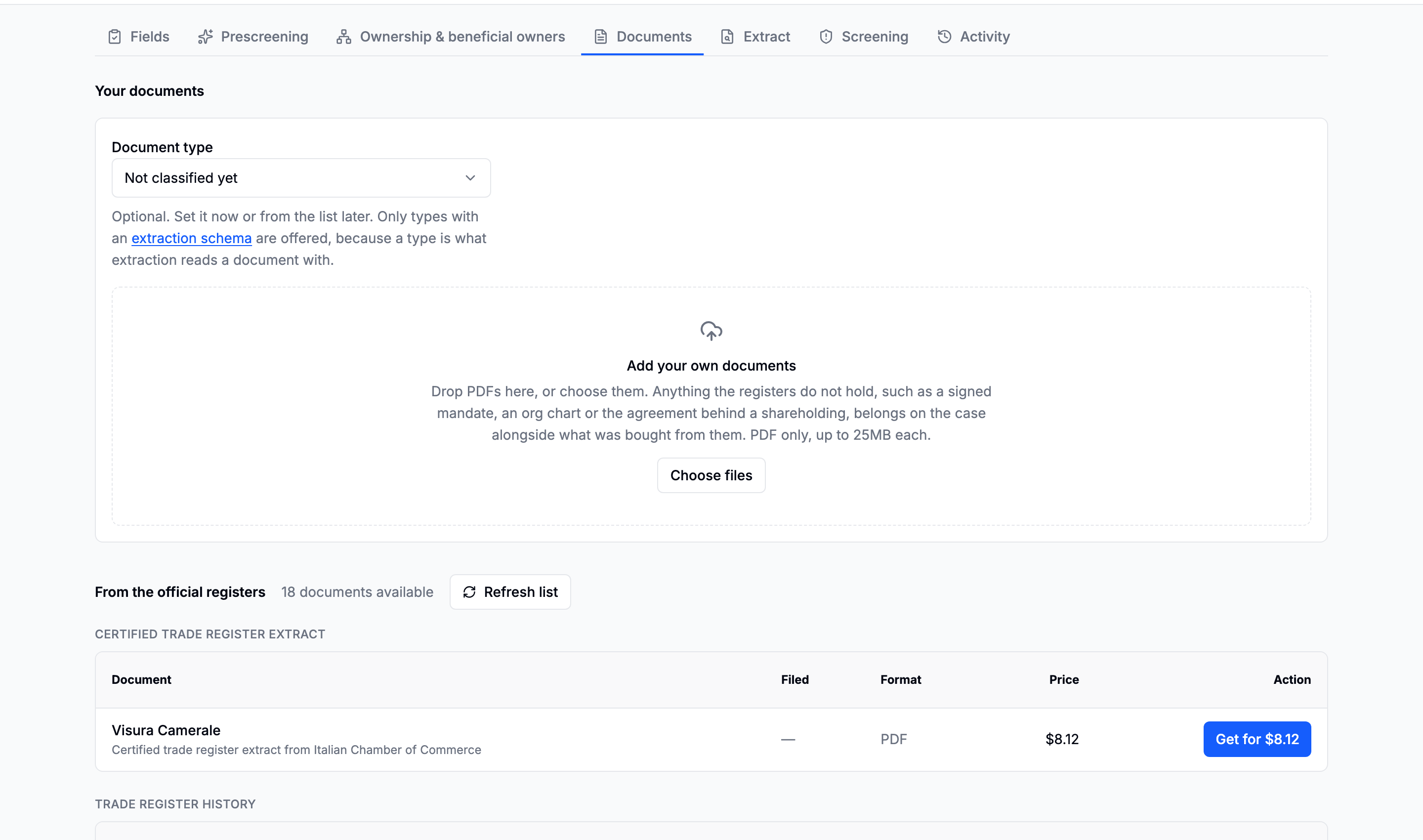
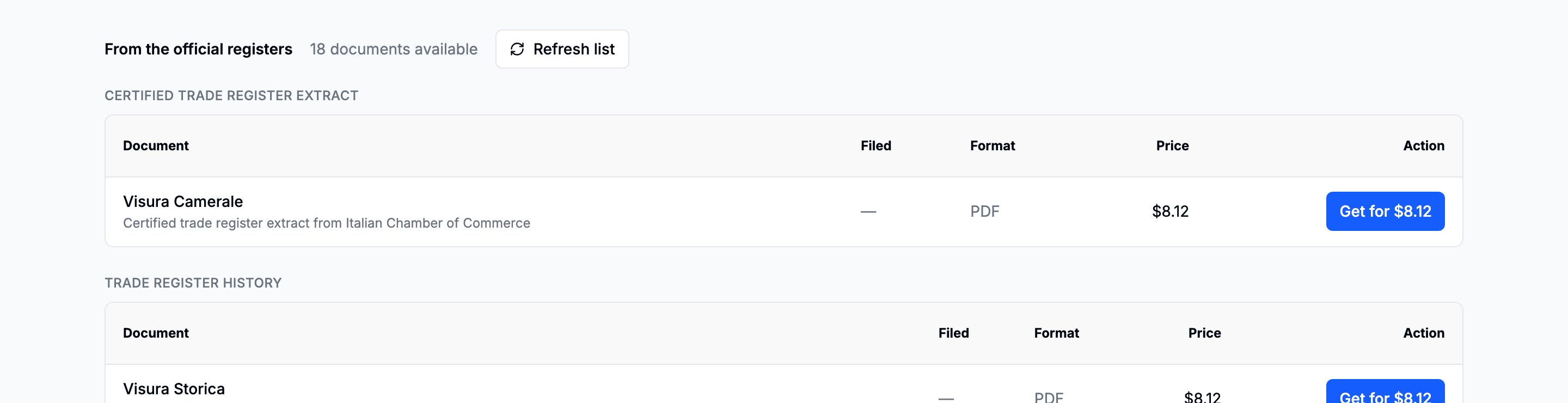
Registry documents
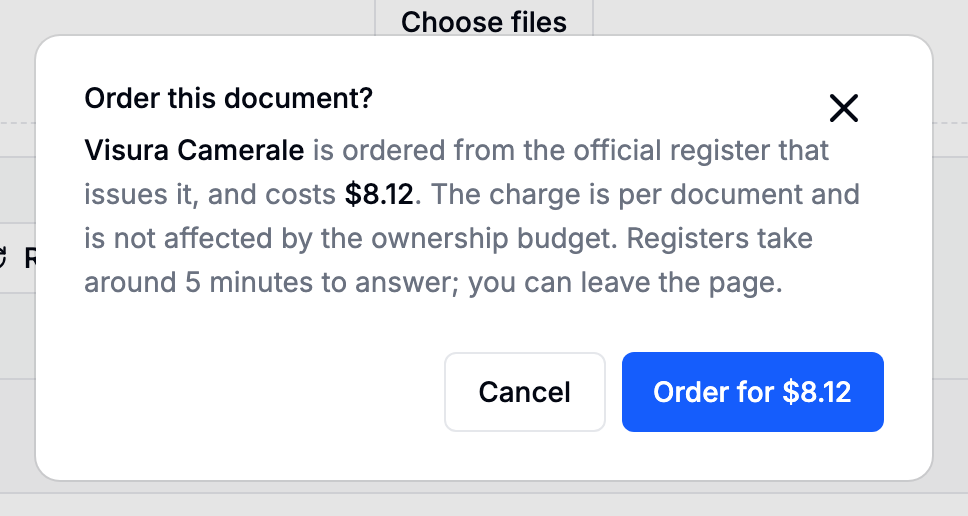
The catalogue is listed automatically. Each document shows its price before Order is available. Ordering remains an explicit paid action.
Upload your own PDFs
Drag PDFs into the upload area or choose files.
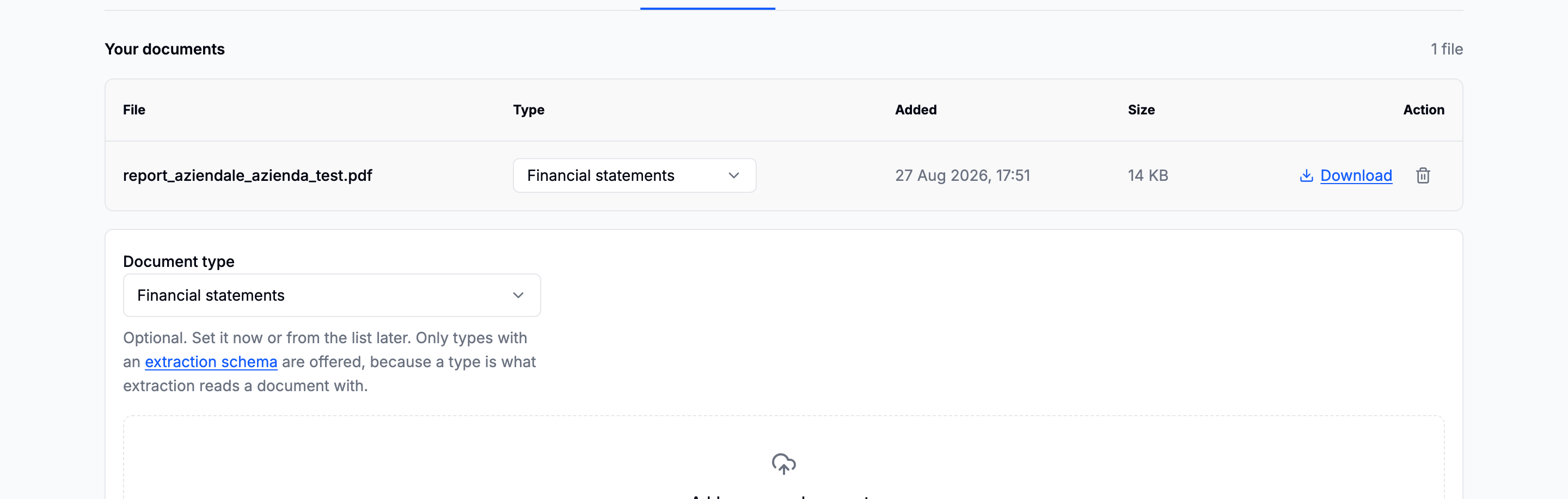
With Extract automatically enabled, the platform:
- recognises the document type from its content;
- uses an existing matching type or creates one when needed;
- prepares an extraction schema when the workspace has none for that type;
- starts extraction and reports progress in Checks.
Use Change type only when the detected type is wrong. Clear Extract automatically before upload when you want classification without starting extraction.
Next: Review an extraction.
Going deeper: Documents · Document types