11. What to set up next
The first case is the slow one. Two pieces of setup make every case after it start much further along. Write them once and every case after this one starts from them.
A configuration per kind of review
Onboarding a supplier and reviewing a counterparty ask for different facts about the same company. A configuration is that list, stored: which figures from a filed account, which fields of your own, and which optional sections the report carries.
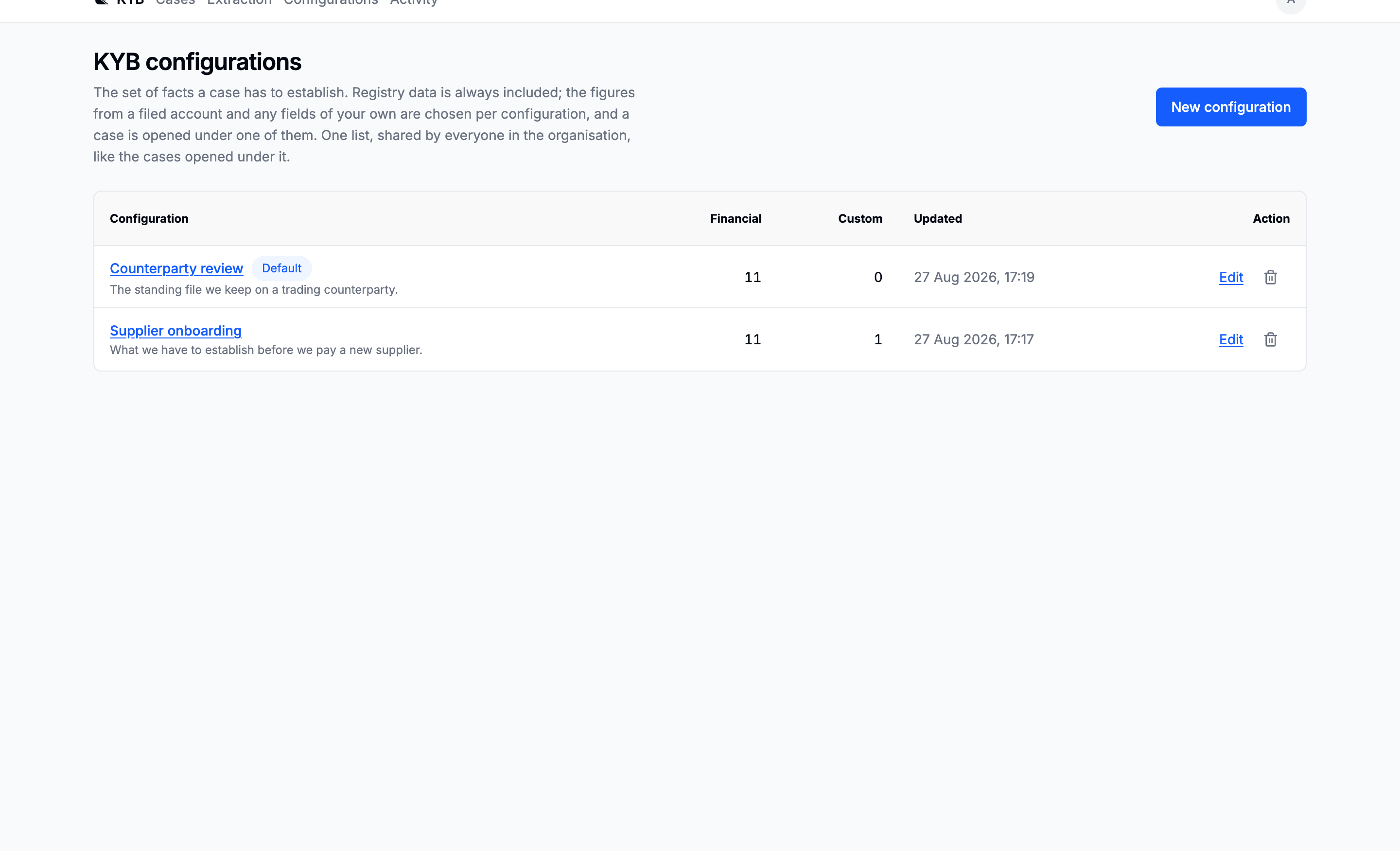
Mark one as the default and it is pre-selected behind the collapsed Configuration control on every new search.
Go to: Configurations
An extraction schema per kind of document
A configuration declares a field; it does not extract it. Something has to pull a value out of a document under that name, and that something is a schema, one per kind of document.
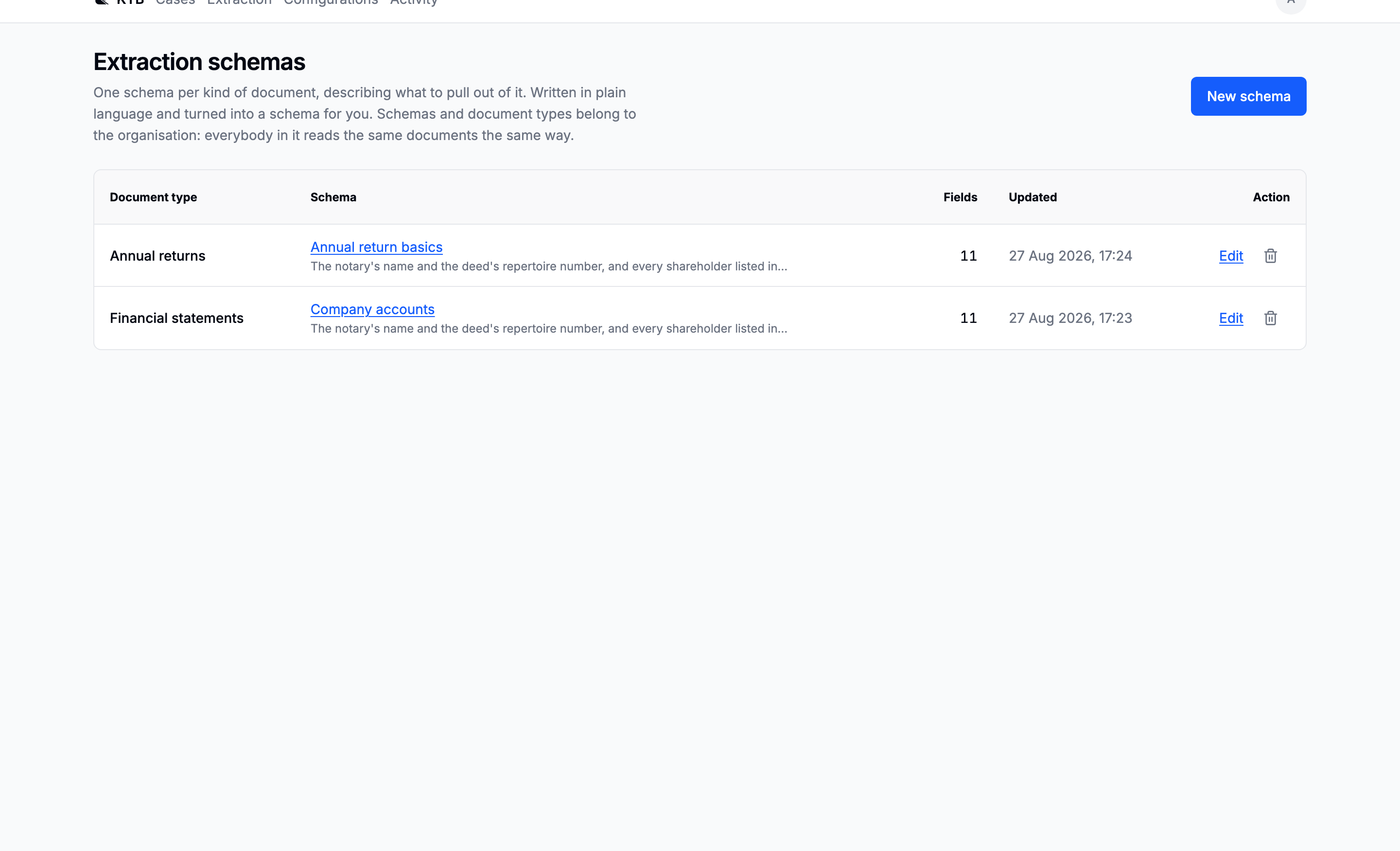
Automatic document processing can create a type and schema when it meets a new kind of upload. Use the Extraction workspace section to review and refine those schemas, or define one in advance when the required fields and vocabulary are already known.
Go to: Extraction
Then the rest of the product
| If you want to | Read |
|---|---|
| Change your password, or see where your work lives | Your account |
| Open a case on a company no register carries | Companies no register answers for |
| Let the ownership walk run without a browser open | Budget and threshold |
| Find out when a value changed, and what it was before | Activity and the audit trail |