6. Review ownership
When Ownership graph is enabled on New Company Search, the walk starts with the request. Every company fetched in the chain is a separate registry lookup, so the initial search shows two limits before you confirm:
- Budget limit (USD): the maximum the automatic walk may spend.
- Ownership threshold (%): the effective stake at which a branch remains material.
Both inputs are text-backed number fields, so scrolling a trackpad over them cannot change the values.
Watch the graph grow
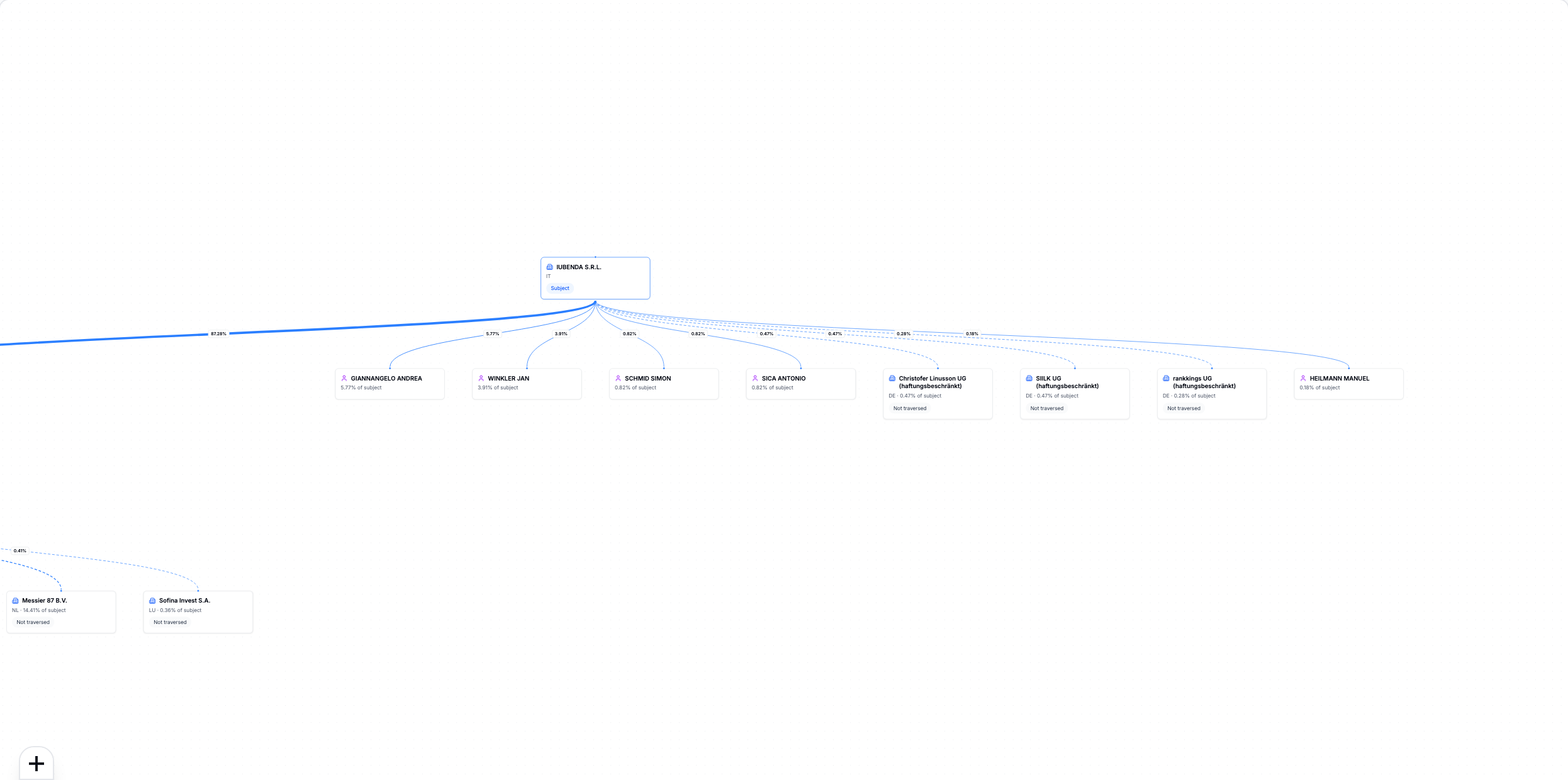
A branch is followed automatically when its effective stake meets the threshold and enough budget remains for the next quoted lookup. If the remaining budget is lower than the quoted cost, the call is not started.
The spend summary distinguishes the configured budget from actual spend. Historical requests that exceeded an older guard can show the excess explicitly; new requests stop before the next lookup.
Expand a branch yourself
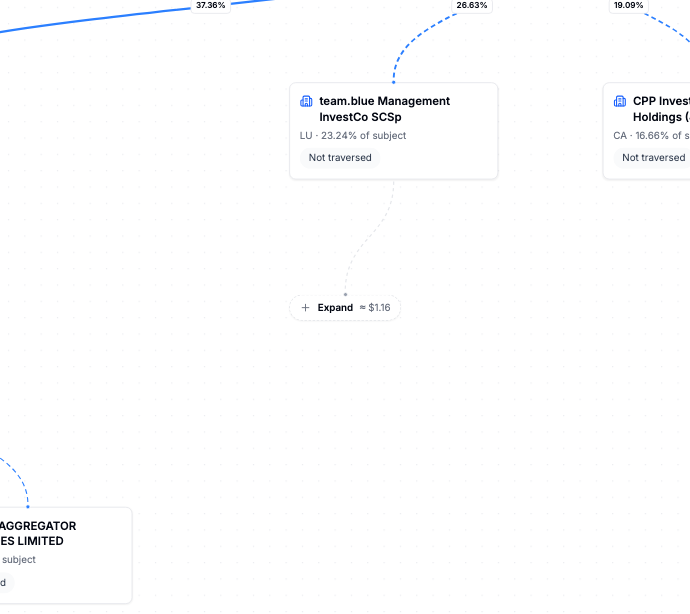
Branches below the threshold or without a stated stake stay on the graph. Expand shows the price before a manual lookup.
Beneficial owners
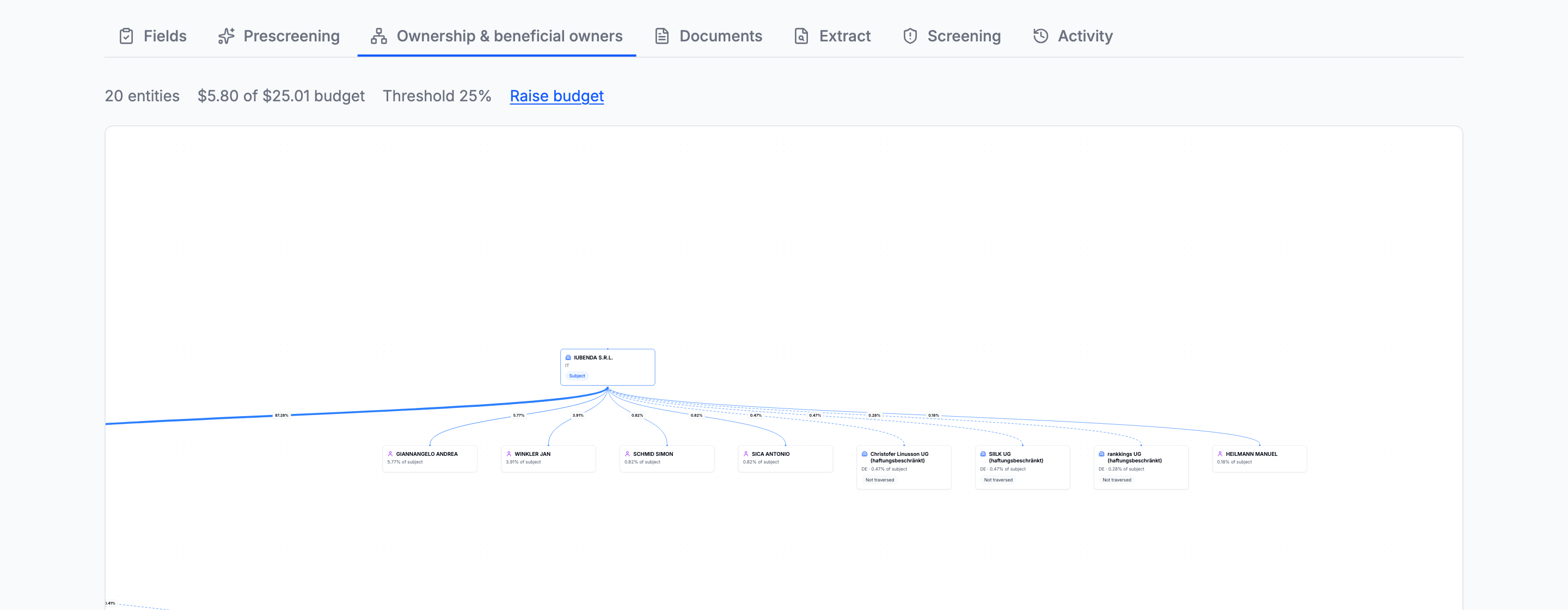
An unstated stake makes the effective percentage above it unknown. The platform leaves it unknown rather than inventing a number.
Next: Get and upload documents.
Going deeper: Ownership · Budget and threshold