9. Screen the company and people
The Screening tab keeps watchlist and adverse-media results in one table. The subject company is screened against watchlists when registry data arrives. When Adverse media was enabled on New Company Search, that check also starts with the request.
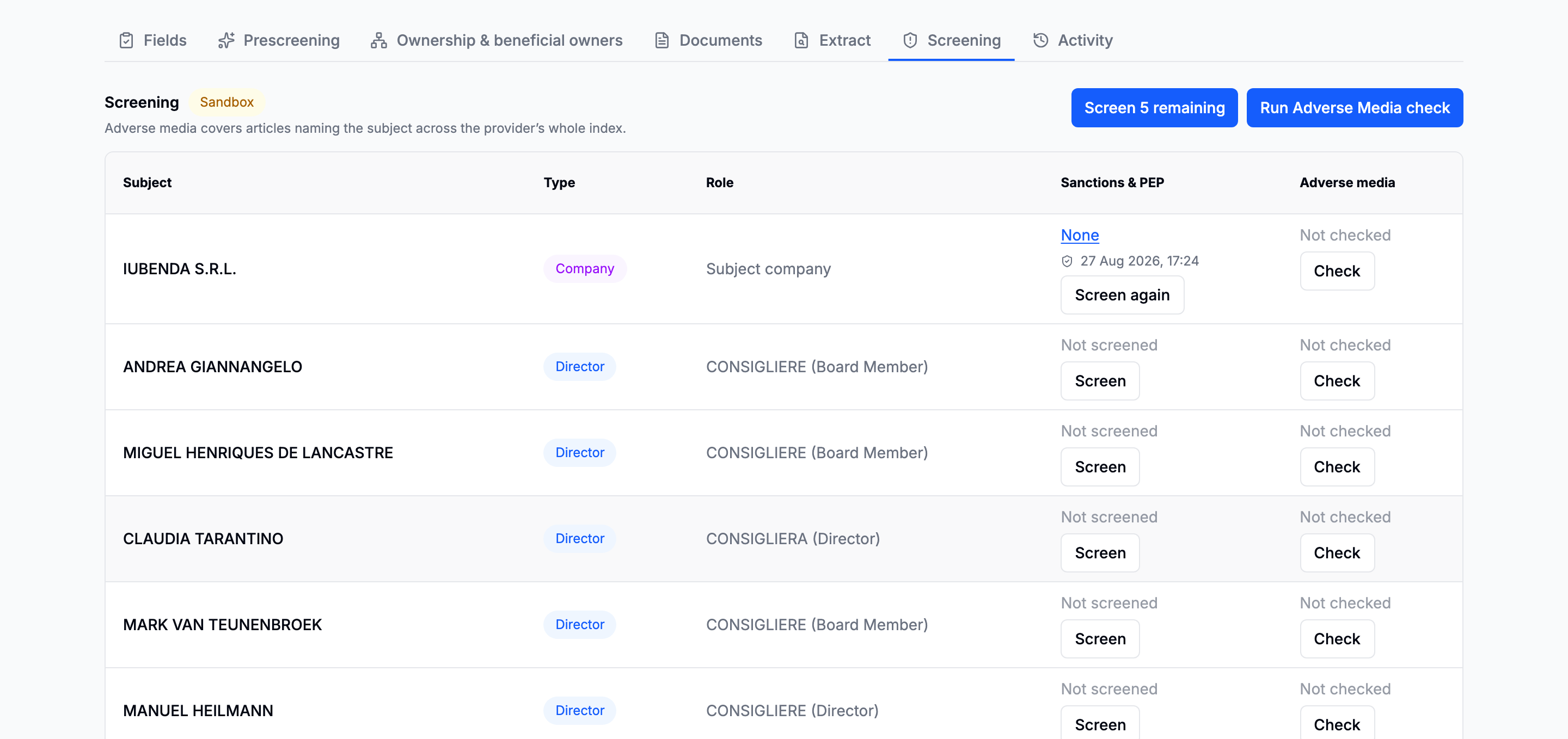
Directors and beneficial owners appear as registry and ownership results arrive. Start additional checks from the table when those people were not part of the original request.
Watchlist matches
A match is a candidate for review, not a confirmed hit. Open the result to compare names, dates, identifiers and the list that matched.
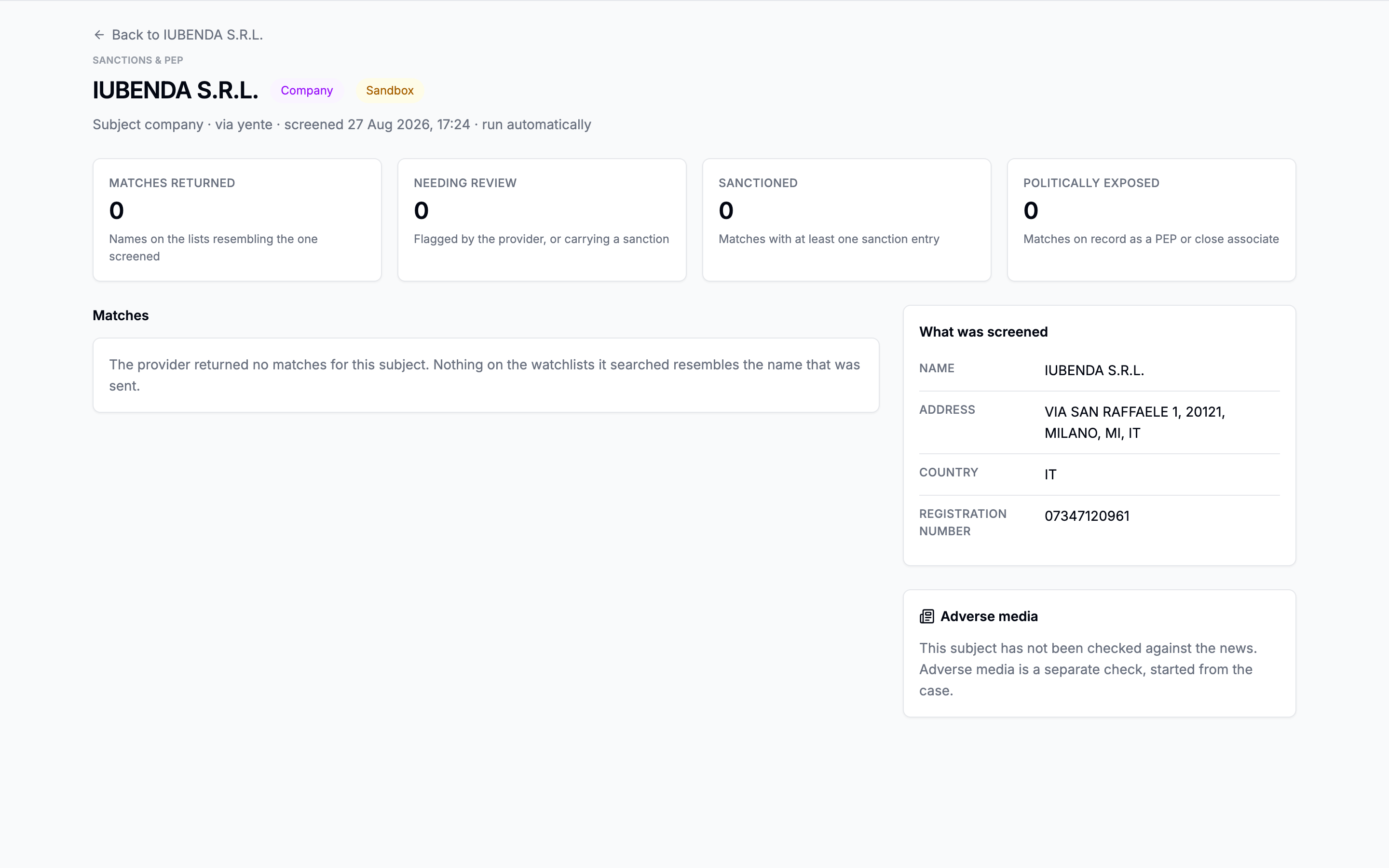
Adverse media
The result groups coverage by category and links to the articles. Category counts can overlap because one article may belong to more than one category. Review the article before deciding whether it is about the subject or merely a namesake.
Starting a new check is explicit and can use an allowance or create a charge. The confirmation names the subjects before it runs.
Next: Issue the report.
Going deeper: Screening · Adverse media