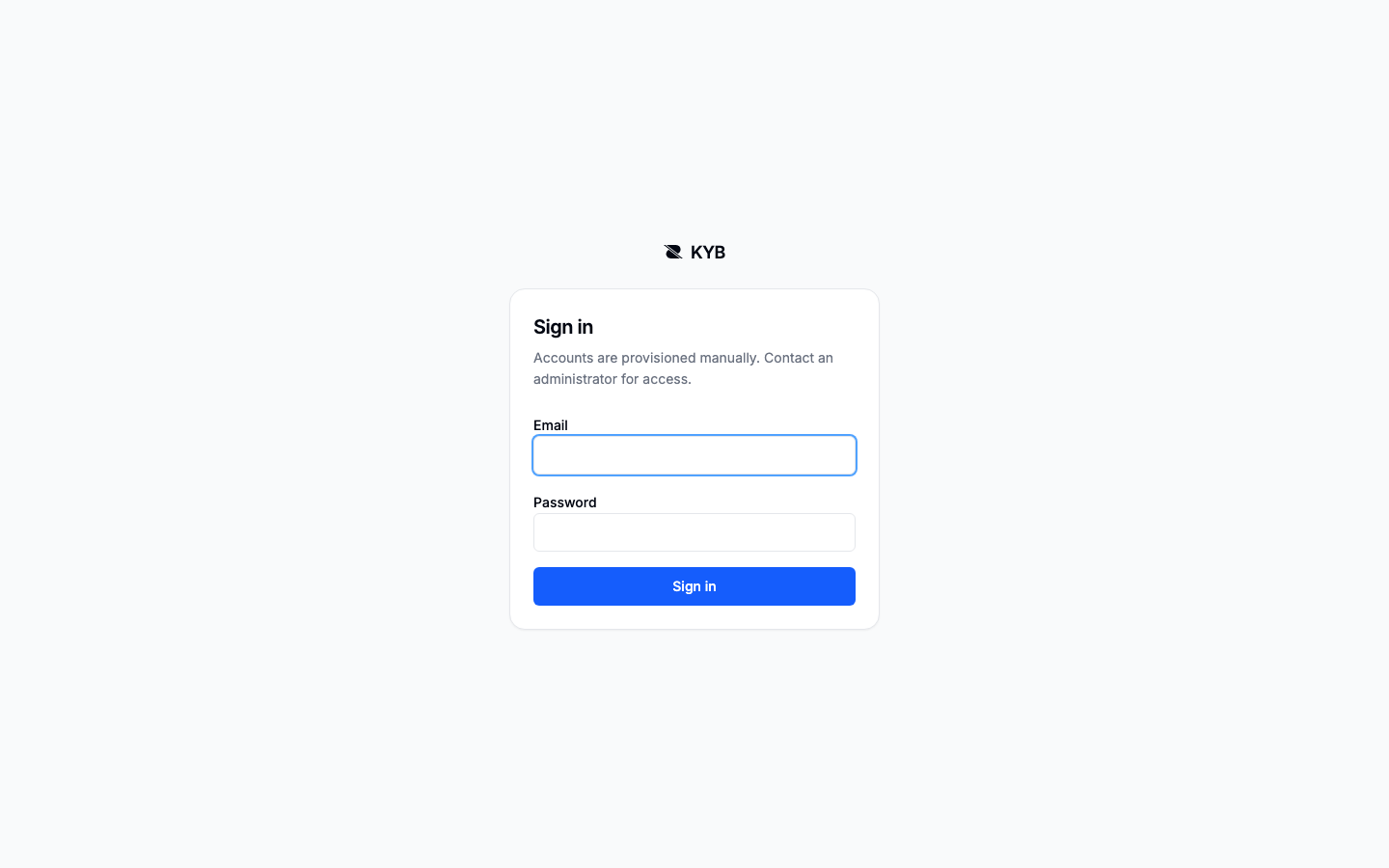
1. Sign in
There is no public signup. Your account is created for you and you receive a temporary password.
Change the temporary password
On first sign-in, replace the temporary password before opening the workspace.
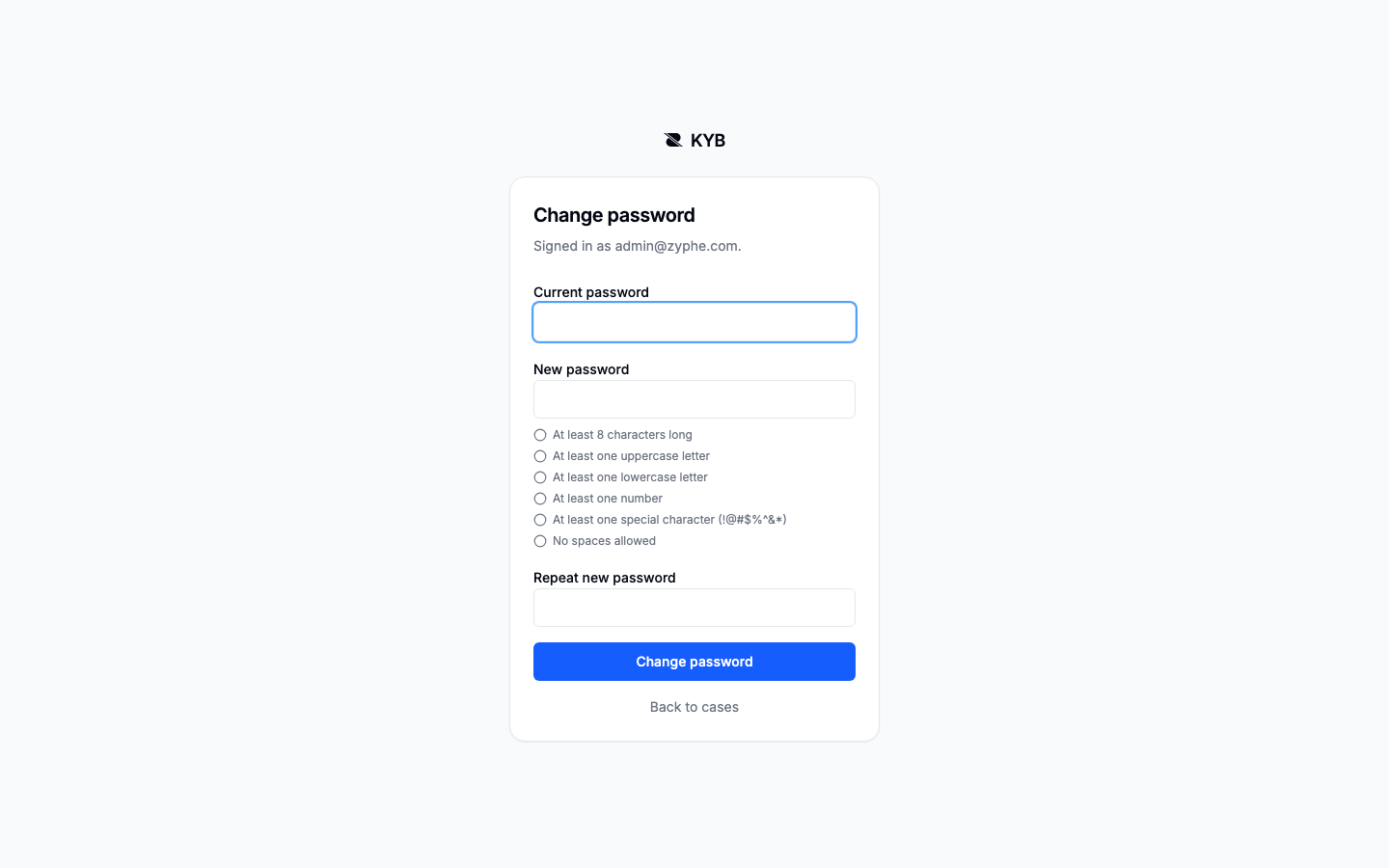
Changing a password ends every session
You will be asked to sign in again with the new password. Other signed-in devices are ended as well.
The fixed sidebar

New Company Search is the page you land on. The sidebar contains:
- one searchable list of recent requests;
- Extraction, where document-reading schemas are configured;
- Configurations, which define the fields a request should verify;
- Activity, the workspace audit trail;
- the account and workspace menu.
Your requests, configurations, extraction schemas and document types belong to the workspace in the
URL: every working address starts /o/<workspace>/.
Read more: Your account.
Next: Search and open a request.