Requests
A request is one company checked. It holds the register record, selected checks, documents, ownership, screenings, review decisions and reports.
New Company Search is the home page
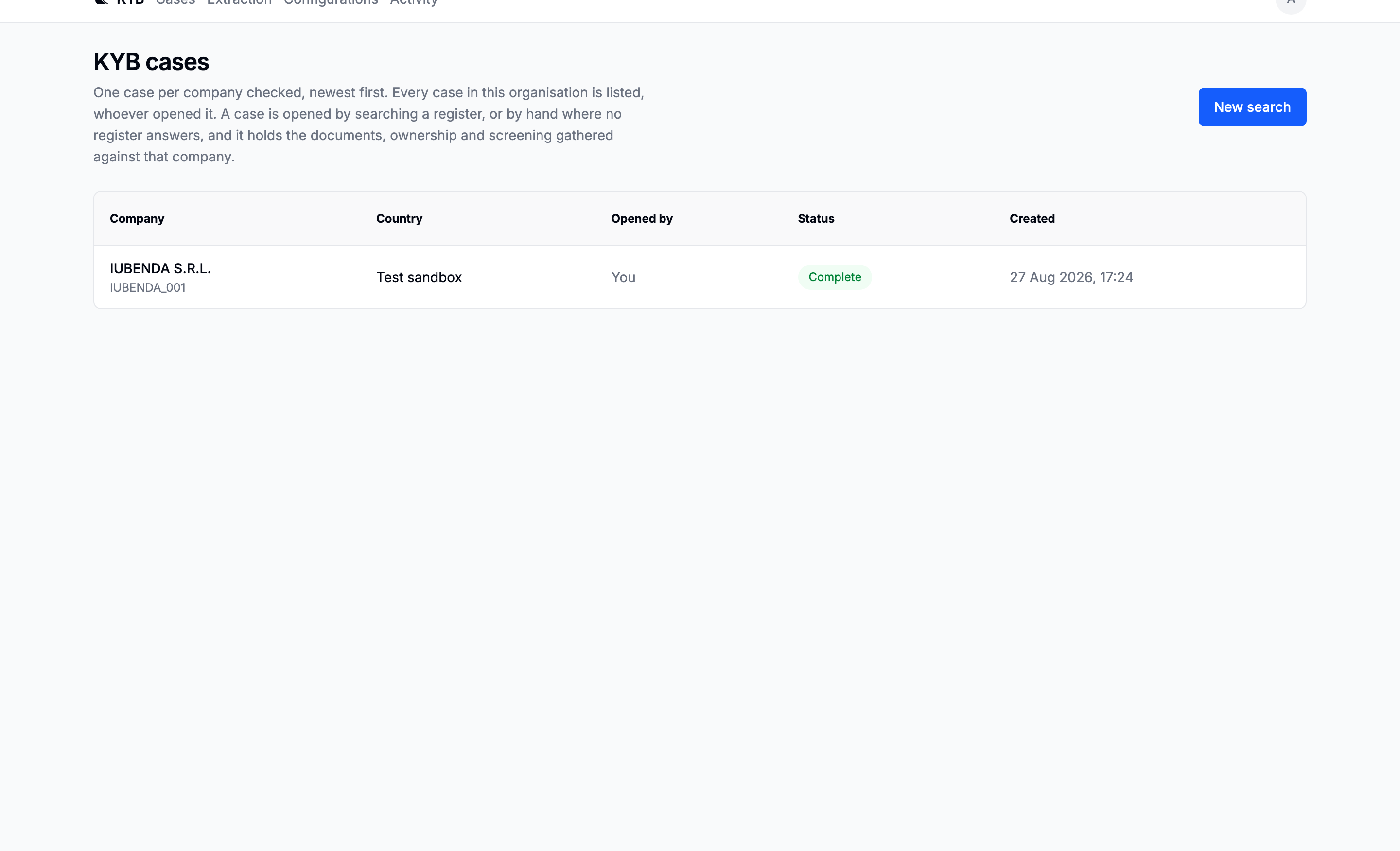
There is no separate request table and no All requests/My requests switch. The sidebar contains one list for the workspace, newest first. Use Search requests to filter it by company or identifier.
The request page
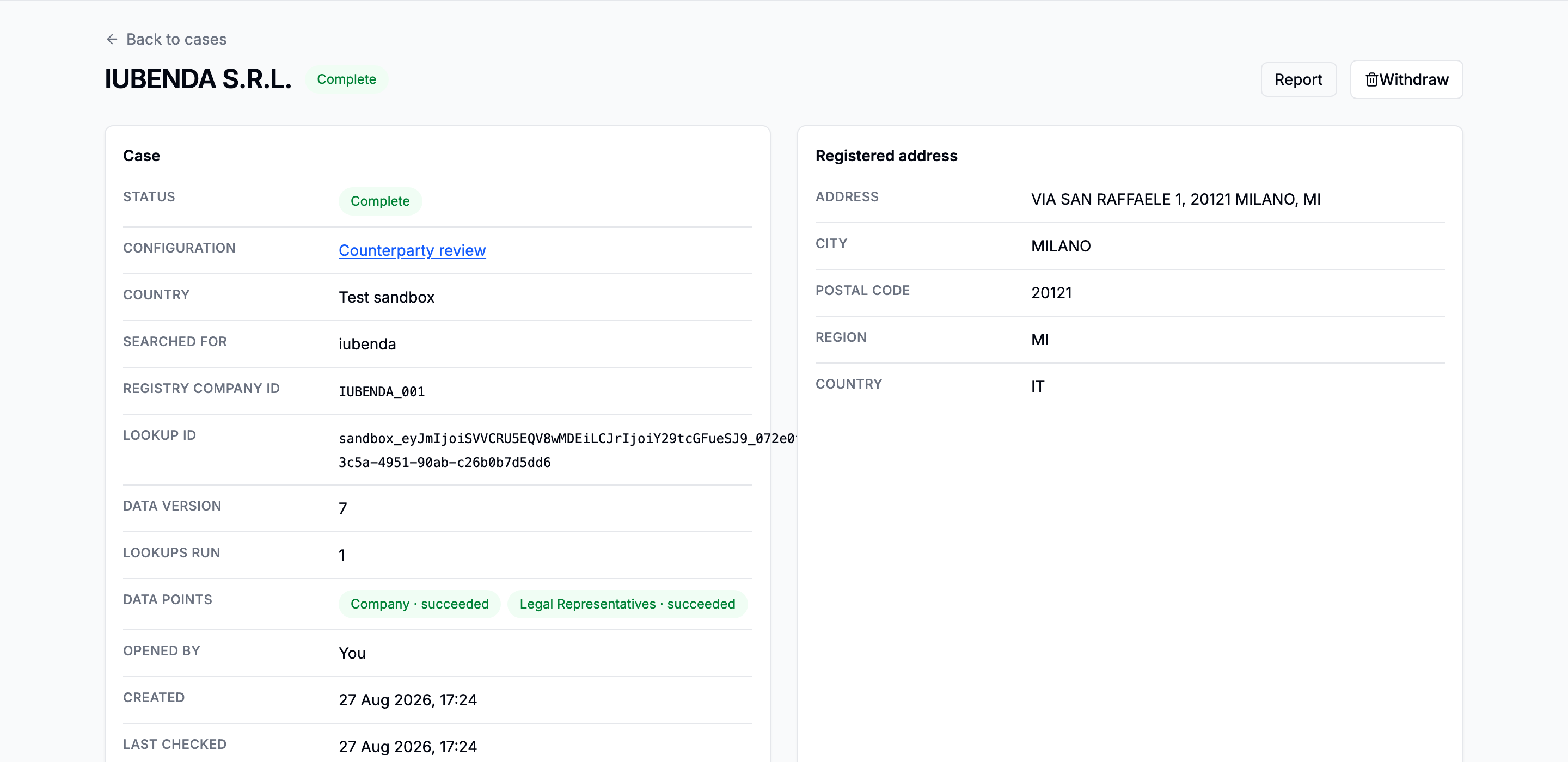
| Tab | Read it for |
|---|---|
| Company details | Organisation facts, representatives, verification and AI research |
| Ownership | Shareholder graph, spend and beneficial owners |
| Documents | Catalogue, uploads, automatic extraction and review links |
| Screening | Watchlist and adverse-media checks |
| Activity | Actions and earlier values |
The Checks panel in the lower-right corner is independent of the selected tab. It shows every background job and opens the relevant tab when selected.
Registry states
| State | Meaning |
|---|---|
| Enriching | The registry lookup is still settling |
| Enriched | Registry work finished; review items may still remain |
| Partial | Some registry data arrived and some failed |
| Failed | The lookup failed and can be retried explicitly |
| Manual | Company details were entered without a registry lookup |
Long-running work belongs to the request rather than the browser tab. Closing the page does not stop it.