Extraction
A configuration declares a field; something has to pull a value out of a document under that name. That something is a schema, and there is one per kind of document.
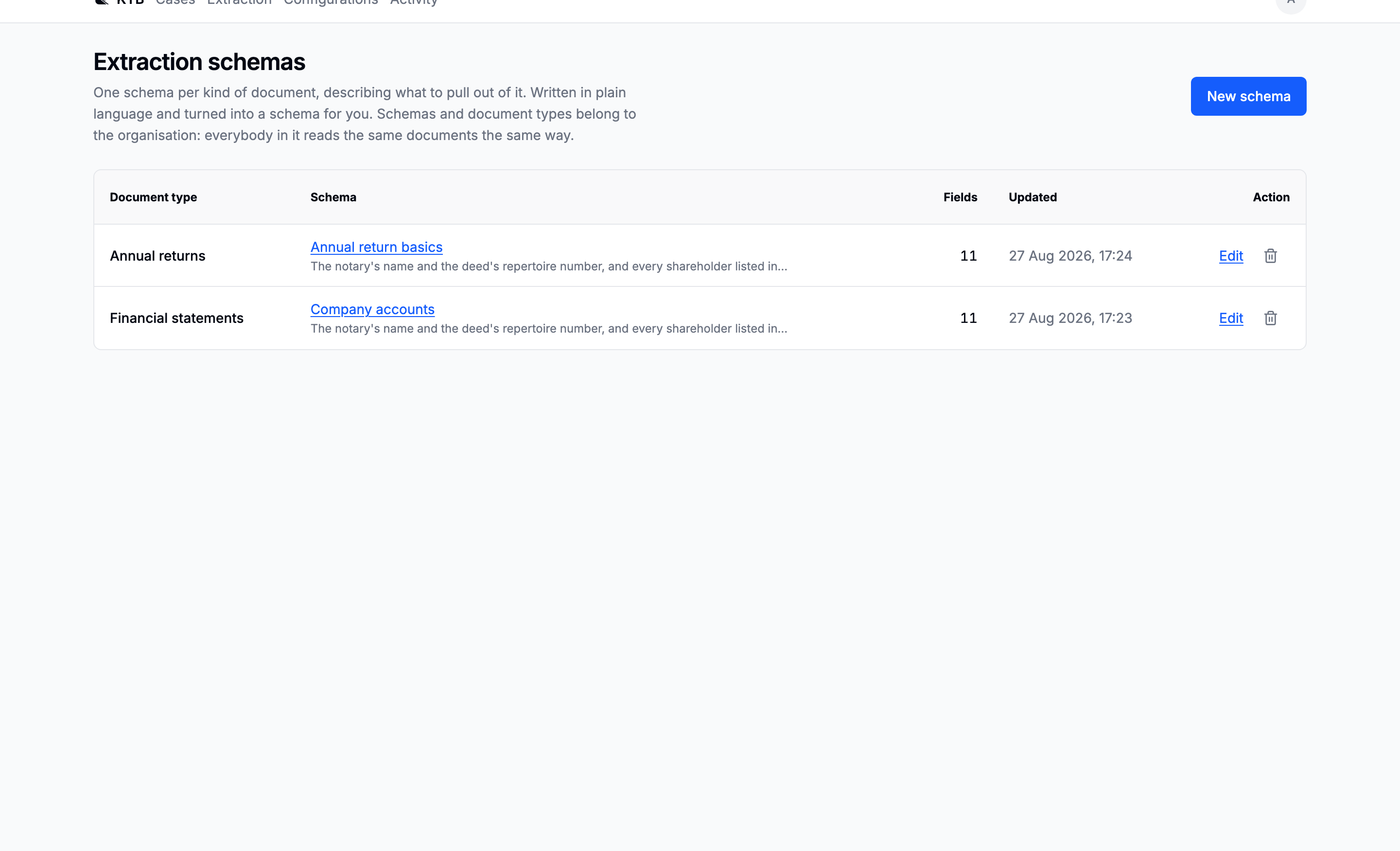
Listed by document type, because the type is the key: a document is read with the schema its type points at. Seeing them as a set of types makes the gap obvious.
Schemas and document types are written once and reused, so the same kind of document is read the same way on every case.
Writing one
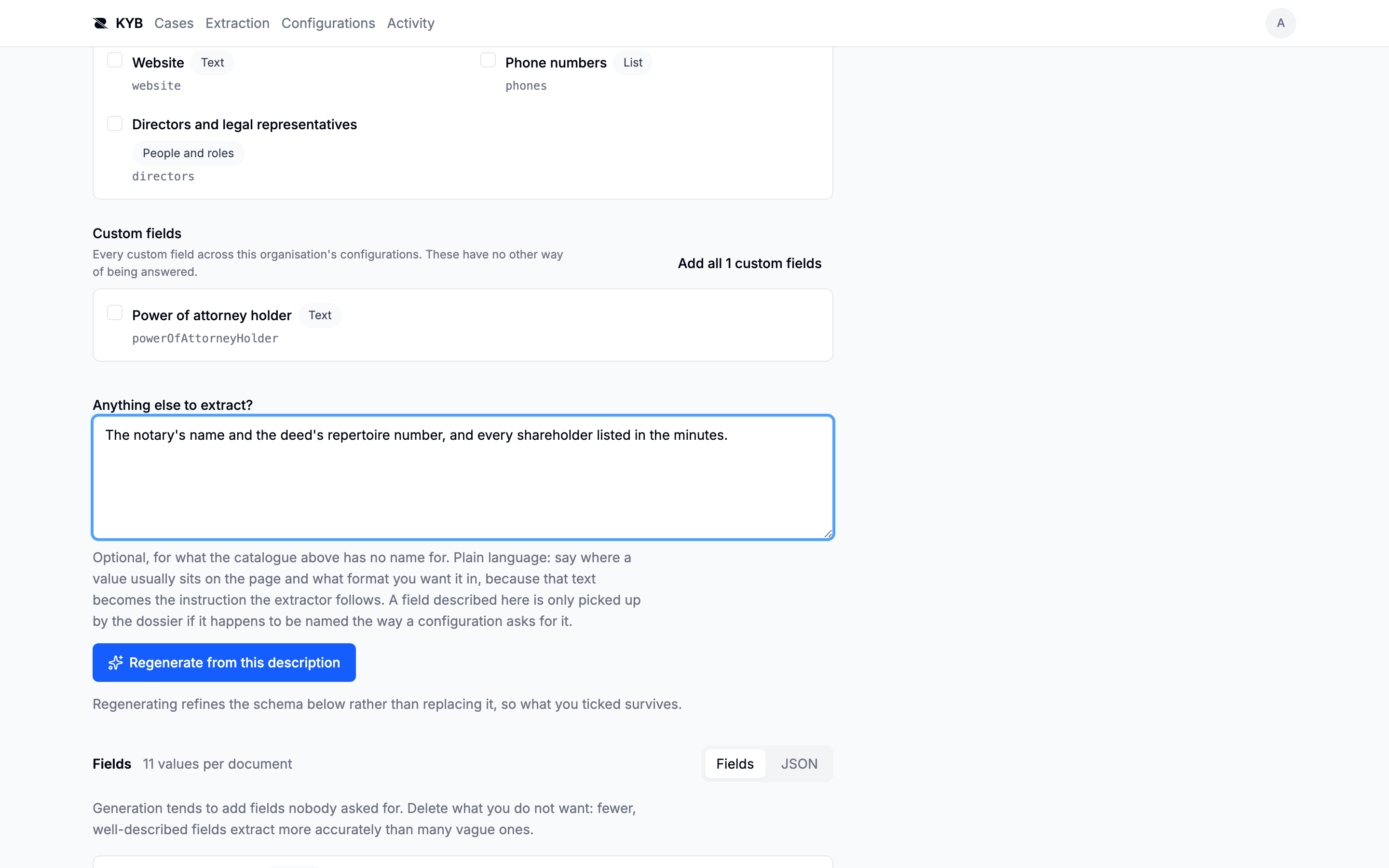
Select the fields your configurations already ask for
The fastest way, and the one that actually works. The form lists the fields your configurations ask for, as tick boxes. Ticking one writes the property under exactly the name the dossier looks up, with a description built from the words that value is normally printed under.
That is better extraction instruction than a sentence, because those are the words on the page, and it
removes the failure this picker exists for: a generated totalRevenue against a configuration asking
for revenue produces an empty field on every case and says nothing about why.
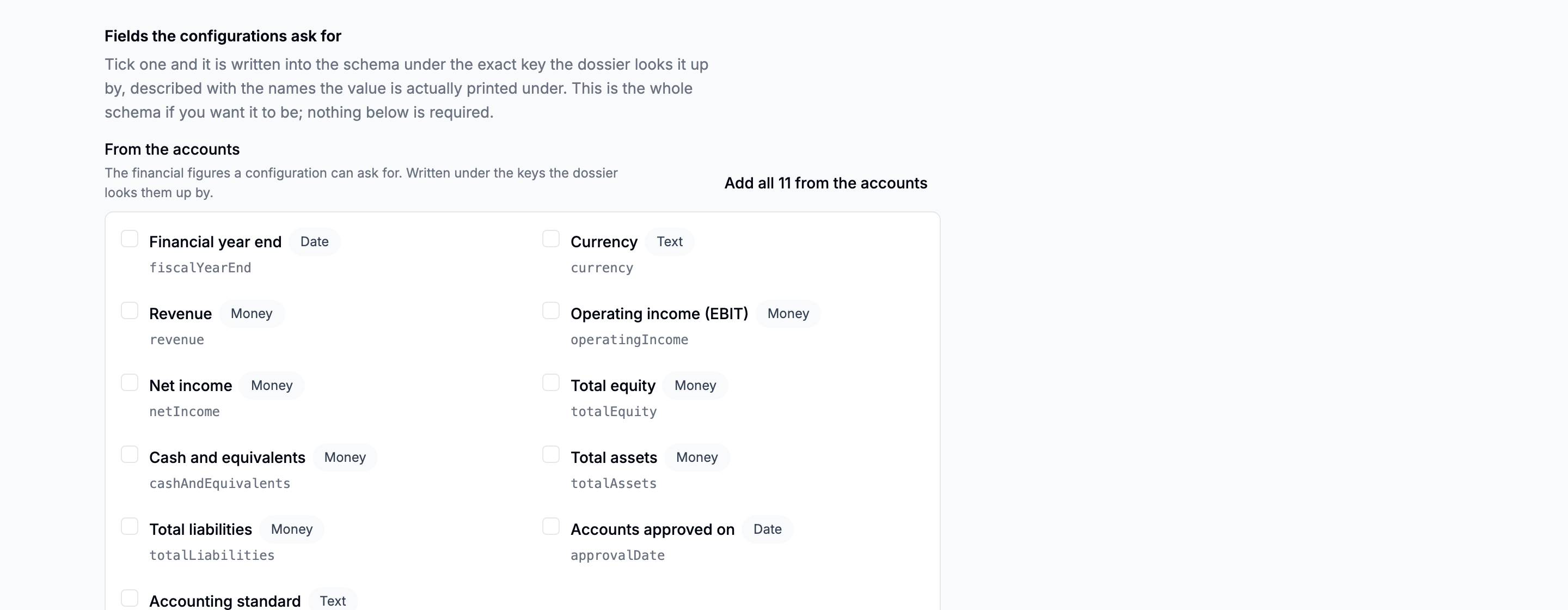
A field already answered by a nested property is reported and left alone, because removing it from a picker would gut the structure built around it.
Describe whatever the catalogue has no name for
Free text, and optional: a schema for a bilancio can be eleven ticked boxes and nothing else.
The notary's name and the deed's repertoire number, and every shareholder listed in the minutes.
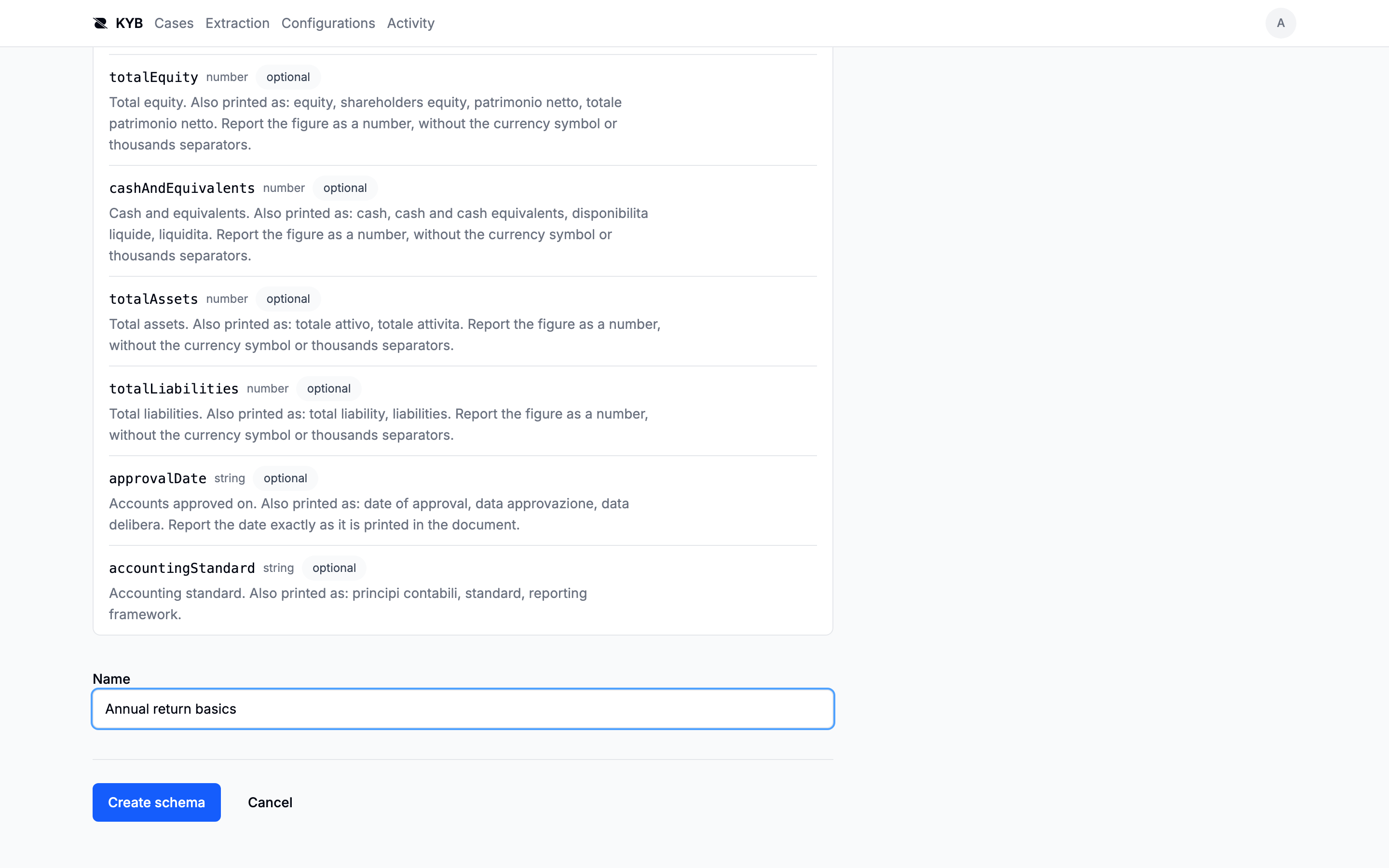
Regenerating refines the current schema rather than replacing it. "And I also need the VAT number" adds a field instead of rewriting the lot, and it keeps everything you ticked.
Give it a name and a type
The document type decides which documents this schema reads. If the type does not exist yet, add it here: see Document types.
The name is what appears on a case beside a document that has been read: read with Company basics.
Editing a schema does not rewrite past readings
A document that has already been read keeps the schema it was read with, recorded on the extraction. Change the schema and read it again to get the new one.
Every edit is kept: the form carries a History section with what the schema asked for before, when it changed and who changed it.
In this section
Related
- Fields and sources: how a schema's output finds its field
- Documents: where the documents come from
The model access it needs has not been configured on your deployment. Ticking fields from the catalogue still works, and only the generated path is affected. Ask support.