The Fields dossier

Every fact this case was opened to establish, who says so, and whether they agree.

It opens first, and that ordering is the point of it: it is the only tab that answers is this case done, and every other tab is somewhere you go because this one told you to.

The Fields tab showing the identity, ownership, financial and custom blocks
Four blocks, in the order they can be answered.

Reading a row

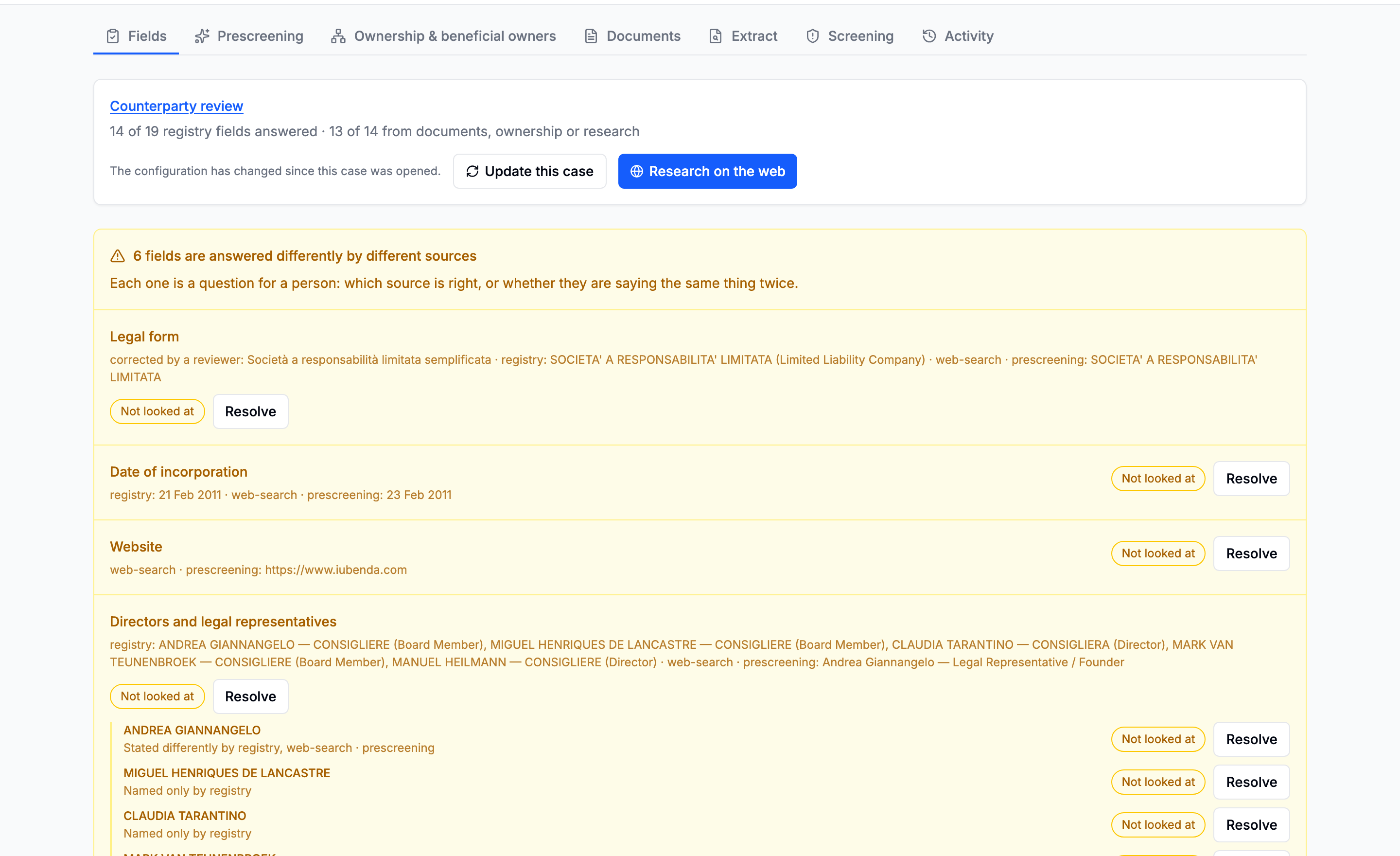
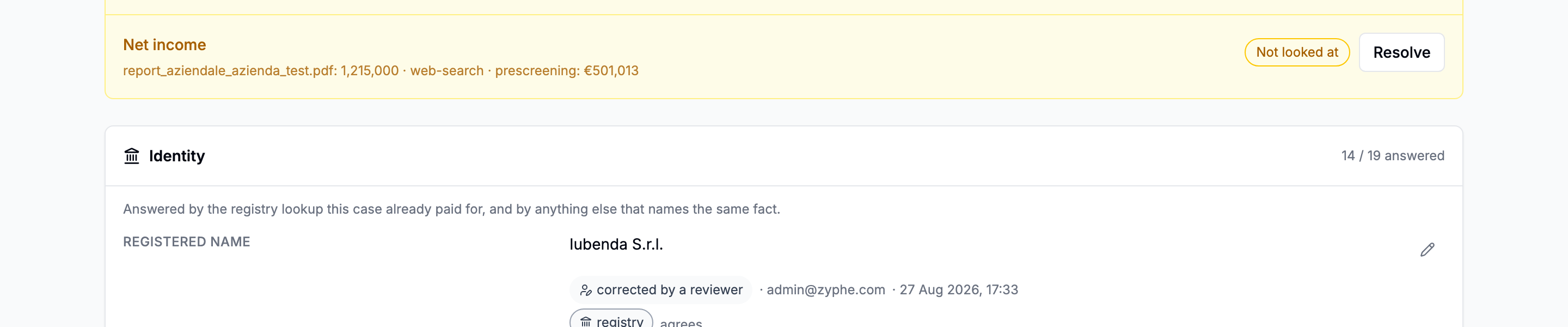
A row shows the value that stands, and under it a chip for every source that answered, including the ones that answered differently.

A field row with its value, the winning source chip, and two further source chips beneath it
The value comes from the strongest answer. The other chips say who else answered, and whether they agreed.

Each chip links to what it rests on:

ChipLinks to
RegistryThe register record on the case
A documentThe extraction it came from, and the page and passage it was read out of
Web searchThe pages that value rests on
PrescreeningThe prescreening report's own source list
Corrected by a reviewerWhen it was corrected, and the reason given
Entered by handThe manual company record, editable on the case's edit form

The two states worth more than the value

Corroborated: several independent sources say the same thing. A stronger claim than any single source makes alone, and the thing a file is actually trying to produce.

Disputed: two sources disagree. This is the finding. Disputed fields are lifted to the top of the tab as a queue rather than left to be found by scrolling. See Disagreements.

Filling a gap

A field nothing has answered says so. There are three ways out, in increasing order of cost:

  1. Read a document already on the case. Free of new acquisitions, since you already bought the paper. Go to the Extract tab.
  2. Fix the schema, then read the document again. The gap says which schemas would cover the field. If none does, that is the answer: write one.
  3. Run a research pass. It asks a model your configuration's own questions, by name. See Field research.

And where none of those can answer it, correct the field yourself, which is the only way to answer a field no document on the case carries.

Nothing on this tab spends money

With one exception, behind a confirmation: the research button. Everything else here is a view over work already done, plus your own two acts, a correction and a resolution, which are free.

In this section