Issuing a report

What issuing does
It freezes the whole finished input, everything the document is made of exactly as it stands, and returns immediately.
That is the guarantee worth knowing: an issued report re-rendered next year produces the same document, whatever has happened to the case since. New documents, new screenings, a corrected value, a resolved disagreement: none of them touch a report already issued.
The PDF is built afterwards
The reason is the evidence appendix: each citation means fetching a document and rasterising a page of it, which is seconds per document. Holding the click open for that would make the one act nobody should retry on a hunch the slowest thing in the product, and a timeout would leave you unable to tell whether your report exists. It does, from the moment the button returns.
| Badge | What it means |
|---|---|
| (no badge) | The PDF is built and filed. The link opens it |
| Building the PDF | Still rendering. The link is withheld rather than opening a half-made file |
| Re-rendered on open | There is no filed PDF, so the document is rebuilt from its frozen input when you open it, identical either way |
A build interrupted by a closed tab or a deployment is picked up the next time the page is opened.
The crops are not stored
A crop is a function of the document, the page and the marked passage, and all three are frozen already, so re-rendering an issued report produces the same appendix without a second copy of every crop sitting in storage.
The one thing that does not survive is a source document deleted afterwards. That is what the filed PDF, with the pictures baked into it, is for. If a report matters, download it.
Issuing more than once
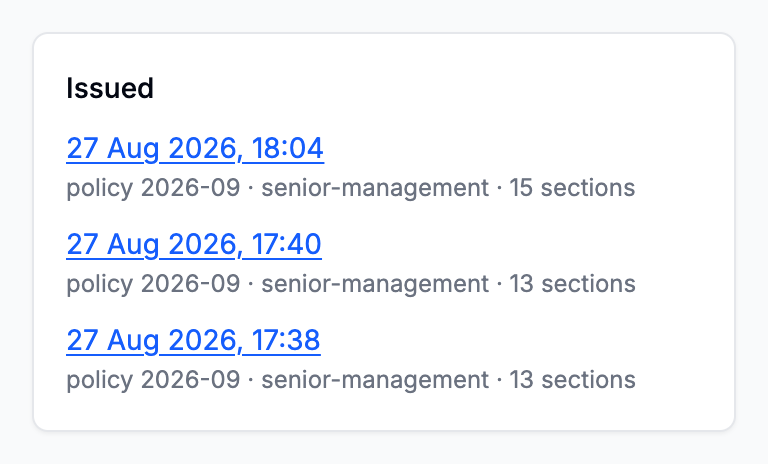
Every issue is kept, listed with its date. Issuing again does not replace the previous one: it adds another frozen reading of the case, which is what you want when a case moved on after a first decision was taken on it.
If a report is missing a part you expected
Read the manifest on the report page. A part is absent for one of two reasons, either because the case's data does not make it meaningful or because the configuration did not ask for it, and the manifest is where you find out which. See What is in a report.